Riverside: A Complete Guide for Developer Tools Professionals
We’ve all been there. At The Code Crafters Collective, we’ve spent our fair share of late nights trying to stitch together fragmented media workflows. This...
Picture this: your engineering lead is in Berlin, your product manager is in San Francisco, and you need to record a high-fidelity technical demo for a major product launch. You start the call on a standard conferencing app, only for the bandwidth to dip, turning your lead’s screen share into a pixelated mess and their voice into a robotic stutter. After forty minutes of "Can you hear me now?", you're left with a grainy recording that requires three different AI tools and a weekend of editing just to make it presentable for the community.
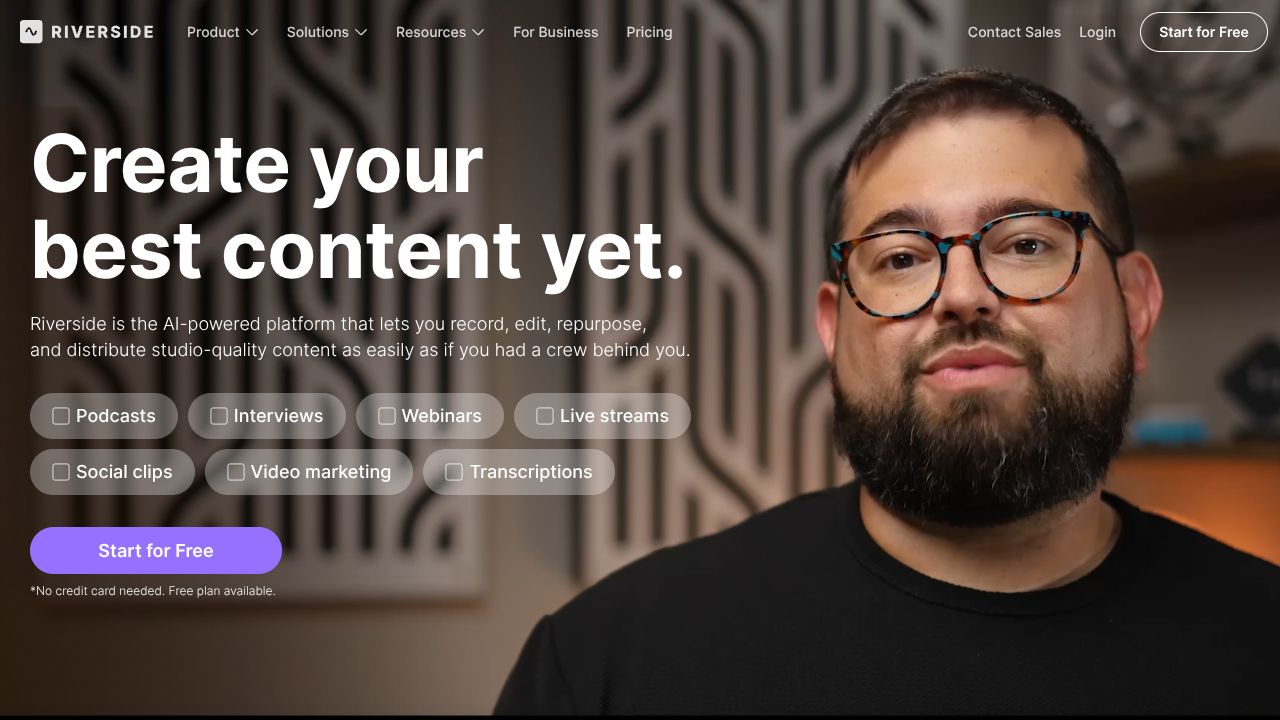
We’ve all been there. At The Code Crafters Collective, we’ve spent our fair share of late nights trying to stitch together fragmented media workflows. This is why the shift toward local-record remote production platforms has caught our eye. Riverside has positioned itself as the "command center" for this new era, promising to bridge the gap between raw capture and a polished final product.
The Battle for the Remote Studio: Riverside vs. The Field
In our team discussions, we often debate whether "all-in-one" tools can truly outperform specialized software. Riverside claims to solve tool fragmentation by combining high-end recording with AI-driven post-production. But how does it stack up against the industry stalwarts? We put it side-by-side with its two biggest rivals to see where the value truly lies for developer-centric teams.
Quick Comparison Table
| Feature | Riverside | Zencastr | SquadCast |
|---|---|---|---|
| Pricing | Free tier; Pro from $19/mo | Free tier; Professional from $18/mo | Included with Descript ($12/mo+) |
| Ease of Use | High (All-in-one dashboard) | High (Browser-based) | Moderate (Requires Descript workflow) |
| Dev-Focused Features | AI Magic Clips, Text-based editing | Post-production hosting, Analytics | Deep integration with Descript's AI |
| Integration Options | YouTube, social platforms, Dropbox | Google Drive, Dropbox, RSS feeds | Seamless Descript & Zapier |
Where Riverside Wins the Prototype Phase
In our collective testing, Riverside stood out in three specific areas that make it a formidable player in the API economy:
- Eliminating Post-Production Latency: For developer advocates who need to ship content fast, Riverside’s text-based editing is a game-changer. Instead of scrubbing through waveforms, we found that editing the transcript directly—deleting a sentence of "umms" and seeing the video cut automatically—saves hours. Compared to Zencastr, which focuses more on the recording and hosting side, Riverside’s built-in AI "Magic Clips" allow us to turn a long technical deep-dive into bite-sized LinkedIn snippets with one click.
- Superior Local Recording Stability: While SquadCast is famous for its "progressive upload" technology, our team found Riverside’s local recording to be exceptionally resilient during high-CPU tasks (like running a local Docker environment while recording). It records up to 4K video and 48kHz audio locally on each participant’s machine, ensuring that even if the internet drops, the footage remains pristine.
- Unified Workflow for Lean Teams: We’ve often complained about "tool fatigue." Riverside solves this by offering audio enhancement and multi-track recording in the same place you edit. While Zencastr offers great hosting features, Riverside’s focus on the creation pipeline makes it feel like a more modern, integrated IDE for video.
Where Competitors Have an Edge
No tool is a silver bullet, and our diverse perspectives at the Collective highlight a few areas where Riverside might not be the default choice:
- Deep Narrative Editing: If your project requires complex, multi-layered video storytelling, SquadCast paired with Descript offers a much deeper creative suite. Riverside’s editor is powerful but leans toward "quick and efficient" rather than "cinematic control."
- Hosting and Distribution: For those looking for an end-to-end podcasting solution that includes a place to actually host the audio files and view detailed listener analytics, Zencastr remains the stronger contender in the distribution space.
Best Use Cases for Developer Tools Professionals
- Choose Riverside if: You are a solo DevRel or a small marketing team needing to produce high-quality video tutorials and social clips quickly without hiring a full-time editor.
- Choose SquadCast if: You already use Descript for your documentation or marketing videos and want the most seamless "record-to-timeline" experience available today.
- Choose Zencastr if: Your primary focus is a long-form audio podcast and you want a simplified path from recording to your listeners' ears with built-in hosting.
The Verdict
After debating the merits of each over our weekly board game night, our team reached a consensus. Riverside is currently the strongest "all-rounder" for the modern developer ecosystem. Its ability to handle the heavy lifting of AI clipping and text-based editing makes it perfect for teams that value speed and "good-enough" professional polish over granular, frame-by-frame control. It effectively kills the need for three separate subscriptions, making it our top pick for remote-first technical content creators.